Heartfelt moments with Full House while we decorate the tree 😂

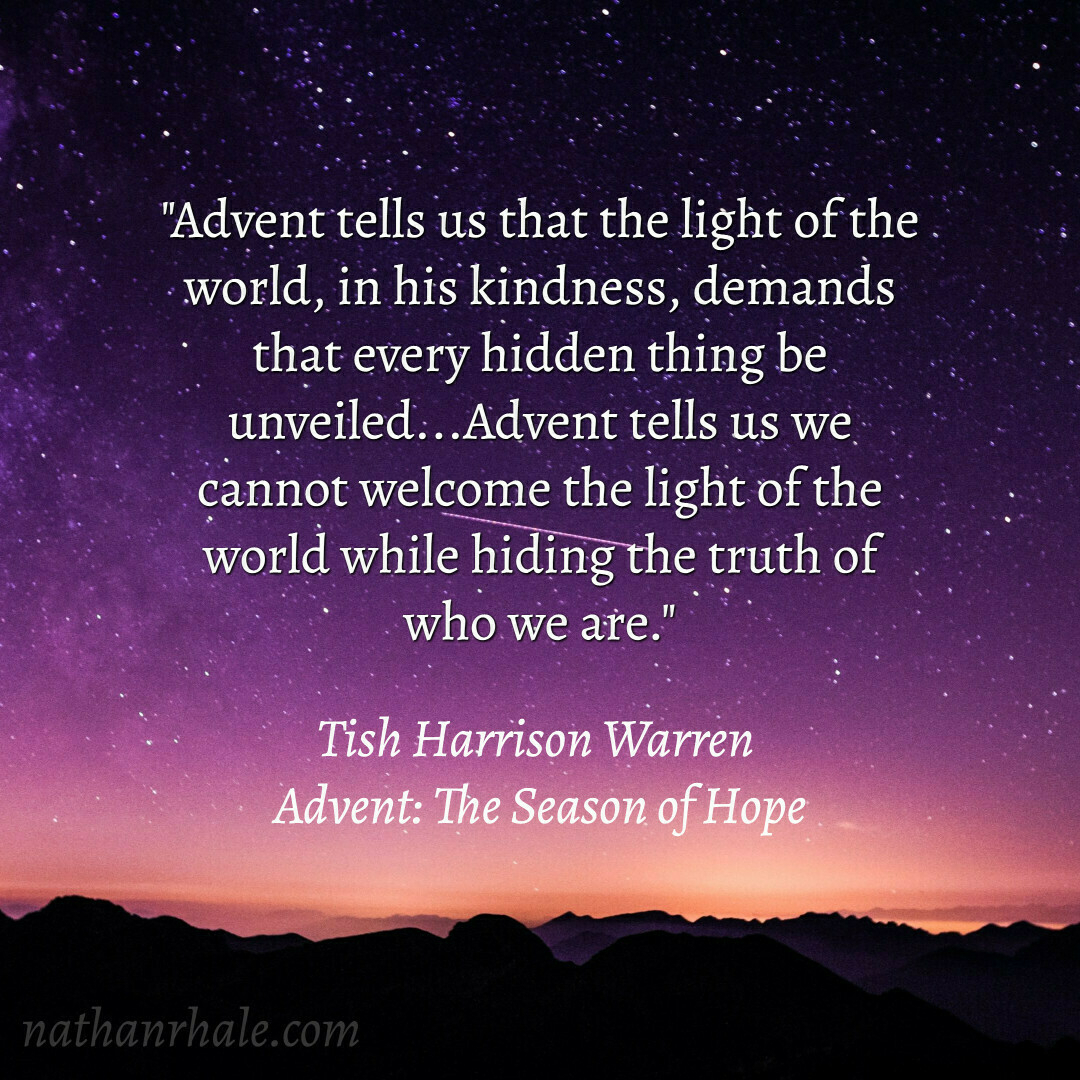
📚 Advent: The Season of Hope by Tish Harrison Warren
I’m refreshing my web development skills and going back to basics. Taking this course and realizing I have a lot to learn but really enjoying dreaming about the things I will be able to make!

Over the past couple of years, I’ve embraced how writing out my thoughts by hand in paper notebooks helps me to think through problems and take notes in a quick, distraction-free way.
Something about writing by hand seems to open up a different way of thinking than typing; and it almost always seems more natural in meetings. There’s no screen between me and the person or people I’m with, and easier to seem present and actually be more present with those I’m speaking with.
I found that letter-sized paper works best for me both for thinking through ideas and taking notes in meetings, but even the slimmest letter-sized notebooks are rather bulky and heavy in my backpack, especially if I want to keep notes with me for reference. Once you introduce more than one notebook to your kit, things get tough if portability and ease of retrieval are important–and they definitely are to me as someone that takes a lot of notes for my everyday work.
Digital alternatives to paper notebooks have existed for a while. A lot of people use their iPad, Android tablet, or even Windows device for this, but there are downsides–especially when it comes to cost and potential for distractions. Plus, I’ve never enjoyed the experience of writing on a glass screen.
Clearly I’m not only one for whom the disadvantages of hand writing on conventional devices outweigh the advantages. To to try fill in gaps left by standard tablets, several companies have produced device that use non-light-emitting e-ink screens (the same technology in Kindle e-readers) for a more “analog” feel that still has digital capabilities. These include devices you’ve probably heard about like the Remarkable tablet, Supernote, and Boox, among others. I’ve always been interested, but these were all cost-prohibitive for me.
When I heard that Amazon was releasing their own e-ink writing tablet called the Scribe, I was intrigued and started to dig in to the research to if it could be a viable option to replace most of my paper notebooks.
Over the summer I bought one on a deal day, and now that I’ve had time to really put it to the test, I’m ready to report on how it’s going!
The Kindle Scribe is an e-ink device from Amazon, similar to their ever popular Kindle e-readers. Like their standard e-reader line, the Kindle Scribe displays text on a special screen that emits no light, making it extremely easy on the eyes for extended reading sessions. Like regular Kindles, you have access to Amazon’s massive catalog of e-books and the expected solid reading experience.
Two things set the Scribe apart as particularly useful tool for reading and thinking though. First, the 10.2″ screen offers more screen real-estate than any other Kindle device, making larger-format books, magazines, and black-and-white graphic novels a pleasure to read. Second–and this is the most important part–it offers a premium digital writing experience with an included pen and special software for taking notes.
If you’ve ever used a Kindle, you know the reading experience is very good. The Scribe offers the same reading experience you get on their other devices in terms of the software. There are no physical page-turn buttons, which is a bummer to some but doesn’t matter to me in the slightest. The 10.2″ screen is gorgeous, pixel-perfect in every way and allows for more text, larger font sizes, and a great experience with graphical content.
The Kindle Scribe allows you take analog-style, handwritten notes in any e-book you own by adding a “sticky note” anywhere on the page. This isn’t the same as writing on the page. Your sticky note is represented by an icon anywhere you choose to put it, and can be opened with a tap for viewing and editing.
Some find this to be a major limitation, as they’d like to be able to write freeform anywhere on the virtual “page.” This doesn’t bother me at all as I like to keep my e-books looking clean. I find a combination of the standard highlighting capabilities and my sticky notes work fine for me right now.
This is where writing directly on the page is possible, and quite fun. I use this feature mainly for annotating documents to share or for review, and for writing on PDF documents created especially for this purpose. For instance, I use a PDF calendar planner and write in all the details.
You can create virtual notebooks to write in using a variety of templates like lined, dotted, and even music staff paper. I’ve heard complaints about the inability to create sections within notebooks, but this is pretty easily solved by using folders and subfolder for organization. The downside to this approach is that if you’d like to export content to share, you’d have to do it at the notebook level (no exporting whole folders at a time)
All your notes, including handwritten notes, are available on the device and on the Kindle app on other devices, although you can only edit from the Scribe.
Unfortunately, your marked up documents will not sync seamlessly to your file system via something like Dropbox, Google Drive, or Microsoft OneDrive. Once the doc is in the Kindle system, you’ll have to export it from the Kindle back to your file system manually.
The Kindle Scribe has replaced all my notebooks for work. I take all my handwritten notes on the Scribe for meetings, and I use it for drafting sermon outlines as an essential step in my process. I also use this totally free PDF calendar/organizer for organizing my day and keeping a log of the tasks I’ve completed. There are many Kindle-compatible organizers available for free, for sale on Etsy, and you can also make your own with Microsoft Word or Canva.
In some teaching contexts, I use it to refer to material and notes. I also use to read certain theological reference works and mark up articles I’m reviewing for research.
I love having a relatively thin and light notebook with me all the time for work, that (thanks to the delightful auto-adjusting warm light) is also easy to use in low-light conditions!
The Kindle Scribe will not replace every single paper notebook I use, though it’s taken over most of them. My personal spiritual journal, for instance, remains in classic dead-tree format. Sometimes you just want to be even more analog.
I would absolutely buy the Kindle Scribe again, especially if I could get a similar deal as I got this time. I’m really looking forward to more software updates–this thing is only going to get better and better!
If you’re ready to trade in all or at least most of your paper notebooks for premium e-ink experience–and get a fantastic e-reader at the same time–then maybe the Kindle Scribe is for you. It was definitely the right choice for me.
This looks to be a useful tool – it generates a table of contents for you from a Markdown document.

Saturday, and then again Monday: small signs that God provides.
An unexpected oblation: a small prayer book.
A surprise act of thoughtfulness: a stump pulled in the yard, the hole covered with fresh earth (for the children).
In the midst of a pressurized season that seems to have gone on forever already,
these were moments of lightness and grace.

The rise of artificial intelligence is changing many industries, including blogging and content creation. AI tools like ChatGPT can now generate entire blog posts and articles at the touch of a button. This has sparked an ethical debate – should we allow machines to write content meant for human audiences?
On one hand, AI promises several benefits for bloggers and content creators. It can help generate drafts and ideas far faster than humans could. For bloggers who need to produce a lot of content regularly, AI could significantly boost their productivity. It also lowers the barrier for creating high-quality content, allowing more people to become bloggers and citizen journalists.
However, there are also risks associated with over-relying on AI for content creation. Here are some key ethical concerns:
AI tools work by analyzing vast datasets of existing writing and learning to imitate styles and patterns. This means AI-generated text risks being unoriginal or plagiarizing others’ work. Even if the AI doesn’t copy verbatim, its output could still fail to bring a unique perspective. This goes against the expectations of readers who want authentic, original content from bloggers.
Unlike human writers, AI lacks real-world knowledge and reasoning skills. As a result, its writing could contain false information, unverified facts, or logical errors. This becomes especially problematic for content on specialized or technical topics. Relying solely on AI could erode the accuracy and quality that readers expect from expert bloggers.
Many feel bloggers should be transparent if they use AI writing assistants. However, currently there are no standards or regulations requiring disclosure of AI use. Readers could be misled into thinking a blog’s content was written by a human when it was actually machine-generated. This violates principles of authenticity and transparency.
Widespread adoption of AI content could disrupt the economics of blogging. For example, some estimates suggest AI could replace up to 20% of content marketing jobs. Over-reliance on AI could put professional freelance writers and other content creators out of work. This economic impact needs to be handled responsibly.
Some argue AI-generated content lacks the creativity, style, and voice that human writers bring. While AI can expertly imitate writing, it cannot yet truly understand emotions or inject a unique personality into text. Prioritizing machine-written content could undermine the aspects of blogging that celebrate human creativity.
Use AI tools thoughtfully as assistants, not full replacements for human writing. Allow humans to direct the creative process and provide quality control.
Edit and build upon AI-generated drafts instead of publishing the raw output untouched. Bring your own perspective.
Avoid using AI for specialized, technical topics. Focus on using it for more general or conversational blog content instead.
Disclose if a blog post was assisted by AI. Be transparent about the creative process.
Support and collaborate with human writers, editors, analysts who augment AI capabilities.
Develop regulations to ensure AI doesn’t undermine content quality, economics, or trust.
With the right framework, AI and humans can ethically co-create blog content that meets readers’ expectations. But we must thoughtfully weigh the risks and responsibilities as AI capabilities grow. The principles of creativity, transparency and authenticity should drive how AI is integrated into blogging – not just efficiency and productivity.